Build Phlex Rails Applications
Component-driven front-end development
WARNING
What works for me might not work best for you.
WARNING
First look at Phlex and the thought is usually, "that's a terrible idea" — It's like Tailwind; you just gotta try it.
WARNING
After you try it, half of you will love it. The other half of you will probably hate it.
WARNING
I did a stupid thing and created this presentation software while creating this presentation.
Phlex /fleks/
Phlex is a Ruby gem for building fast object-oriented HTML and SVG components. Views are described using Ruby constructs: methods, keyword arguments and blocks, which directly correspond to the output.
Created by Joel Drapper.
This is a Phlex component
Phlex is a plain 'ol Ruby object that can render HTML. Check out this navigation menu implemented in Phlex.
class Nav < Phlex::HTML
  def view_template
    nav(class: "main-nav") {
      ul {
        li { a(href: "/") { "Home" } }
        li { a(href: "/about") { "About" } }
        li { a(href: "/contact") { "Contact" } }
      }
    }
  end
end
<nav class="main-nav">
  <ul>
    <li><a href="/">Home</a></li>
    <li><a href="/about">About</a></li>
    <li><a href="/contact">Contact</a></li>
  </ul>
</nav>
Slots are blocks
The `item` method accepts a block, which is rendered in the navigation `li > a` tag.
class Nav < Phlex::HTML
  def view_template(&content)
    nav(class: "main-nav") { ul(&content) }
  end

  def item(url, &content)
    li { a(href: url, &content) }
  end
end
render Nav.new do |it|
  it.item("/") { "Home" }
  it.item("/about") { "About" }
  it.item("/contact") { "Contact" }
end
Extend components with inheritance
Useful for shipping component libraries, prototyping new features, or for page layouts.
class TailwindNav < Nav
  def view_template(&content)
    nav(class: "flex flex-row gap-4", &content)
  end

  def item(url, &content)
    a(href: url, class: "text-underline", &content)
  end
end
render TailwindNav.new do |it|
  it.item("/") { "Home" }
  it.item("/about") { "About" }
  it.item("/contact") { "Contact" }
end
<nav class="flex flex-row gap-4">
  <a href="/" class="text-underline">Home</a>
  <a href="/about" class="text-underline">About</a>
  <a href="/contact" class="text-underline">Contact</a>
</nav>
Set default & require values with method signatures
Ruby method signatures enforce required data and sets defaults
class TailwindNav < Phlex::HTML
  def initialize(title: "Main Menu")
    @title = title
  end

  def view_template(&content)
    h2(class: "font-bold") { @title }
    nav(class: "flex flex-row gap-4", &content)
  end

  def item(url, &content)
    a(href: url, class: "text-underline", &content)
  end
end
render TailwindNav.new title: "Site Menu" do |it|
  it.item("/") { "Home" }
  it.item("/about") { "About" }
  it.item("/contact") { "Contact" }
end
Write beautiful code with Phlex Kits
Class functions automatically initialize and render Phlex components
class Page < ApplicationComponent
  include Phlex::Kit

  def view_template
    Sidebar {
      Header { "My Site" }
      p(class: "text-lg font-bold") { "Let's mix components with some HTML tags." }
      TailwindNav title: "Site Menu" do |it|
        it.item("/") { "Home" }
        it.item("/about") { "About" }
        it.item("/contact") { "Contact" }
      end
    }
  end
end
Phlex is just Ruby!
- Use
includeandextendto mix behaviors into views. - Compose views by rendering Phlex views within views.
- Enforce data types with Ruby’s type checking.
- Distribute UI libraries via RubyGems.
- More boring and less “stuff” than Erb and ViewComponents.
Use Phlex with Rails
Incrementally go from zero to hero
Install Phlex Rails integration
$ gem install phlex-rails
$ rails g phlex:install
This changes a few things in your Rails project:
- Adds view paths to
./config/application.rb. - Creates view files in
./app/viewsand./app/views/components.
Reboot server to pick-up these changes!
Make sure you checkout the website, Phlex.fun for more examples and docs.
Render Phlex components from existing templates
Phlex components can be rendered from existing Erb, Slim, Haml, or Liquid views.
<h1>Hello</h1>
<%= render TailwindNav.new title: "Site Menu" do |it| %>
  <% it.item("/") { "Home" } %>
  <% it.item("/about") { "About" } %>
  <% it.item("/contact") { "Contact" } %>
<% end %>
h1 Hello
= render TailwindNav.new title: "Site Menu" do |it|
  - it.item("/") { "Home" }
  - it.item("/about") { "About" }
  - it.item("/contact") { "Contact" }
Build pages with Phlex
Here's what a page might look like in Phlex
# ./app/views/profile.rb
class Views::Profile < PageView
  def initialize(user:)
    @user = user
  end

  def view_template
    div class: "grid grid-cols-2 gap-8" do
      render TailwindNav.new do |it|
        it.item("/password") { "Change password" }
        it.item("/logout") { "Log out" }
        it.item("/settings") { "Settings" }
      end

      main do
        h1 { "Hi #{@user.name} "}
      end
    end
  end
end
Page Layouts are superclasses
Pages inherit from a superclass that implements an `around_template`, wrapping the contents of `template` in the subclass.
# ./app/views/page_view.rb
class PageView < ApplicationComponent
  def around_template(&content)
    html do
      head do
        title { @title || "My Site" }
      end
      body(&content)
    end
  end
end
Render Phlex pages from controllers
Render an instance of a Phlex view from a controller action.
class ProfileController < ApplicationController
  before_action { @user = User.find(params.fetch(:id)) }

  def show
    respond_to do |format|
      format.html { render Views::Profile.new(user: @user) }
    end
  end
end
The ambitious possibilities of Phlex
A few projects that get me excited about the future of Phlex
Superview
Build Rails applications, from the ground up, using Phlex components
Inline Views
Start building out views in the controller, kinda like building apps in Sinatra
class BlogsController < ApplicationController
  class Index < ApplicationView
    attr_writer :blogs

    def view_template
      h1 { "Blogs" }
      ul {
        @blogs.each do |blog|
          li { a(href: blog_path(blog)) { blog.title } }
        end
      }
    end
  end

  def index
    @blogs = Blog.all
    render component(Index)
  end
end
Extracted Views
Move views to `./app/views/*` folder to organize or share with other controllers.
class PostsController < ApplicationController
  def index
    @posts = Post.all
    render component(Posts::Index)
  end
end
class Posts::Index < ApplicationView
  attr_writer :posts

  def view_template
    h1 { "Posts" }
    ul {
      @posts.each do |post|
        li { post.title }
      end
    }
  end
end
Superform
The best way to build forms in Rails applications
This is a simple blog post Superform
class Posts::Form < ApplicationForm
  def view_template
    render field(:title).input.focus
    render field(:body).textarea(rows: 6)
    submit "Save"
  end
end
Here's a complex sign-up Superform
# Everything below is intentionally verbose!
class SignupForm < ApplicationForm
  def view_template
    render field(:name).input.focus
    render field(:email).input(type: :email, placeholder: "We will sell this to third parties", required: true)

    render field(:reason) do |f|
      div do
        f.label { "Why should we care about you?" }
        f.textarea(row: 3, col: 80)
      end
    end

    div do
      render field(:contact).label { "Would you like us to spam you to death?" }
      render field(:contact).select(
        [true, "Yes"],
        [false, "No"],
        "Hell no",
        nil
      )
    end

    render button { "Submit" }
  end
end
Superform can permit its own parameters
It's been almost two years since the last time a forgotten strong parameter caused a bug
class ProfileController < ApplicationController
  class Form < ApplicationForm
    render field(:name).input
    render field(:email).input(type: :email)
    button { "Save" }
  end

  before_action do
    @user = User.find(params.fetch(:id))
    @form = Form.new(@user)
  end

  def update
    @form.assign params.require(:user)
    @user.save ? redirect_to(@user) : render(@form)
  end
end
Rails Apps using Phlex Components
A few projects built and shipped to production with Phlex
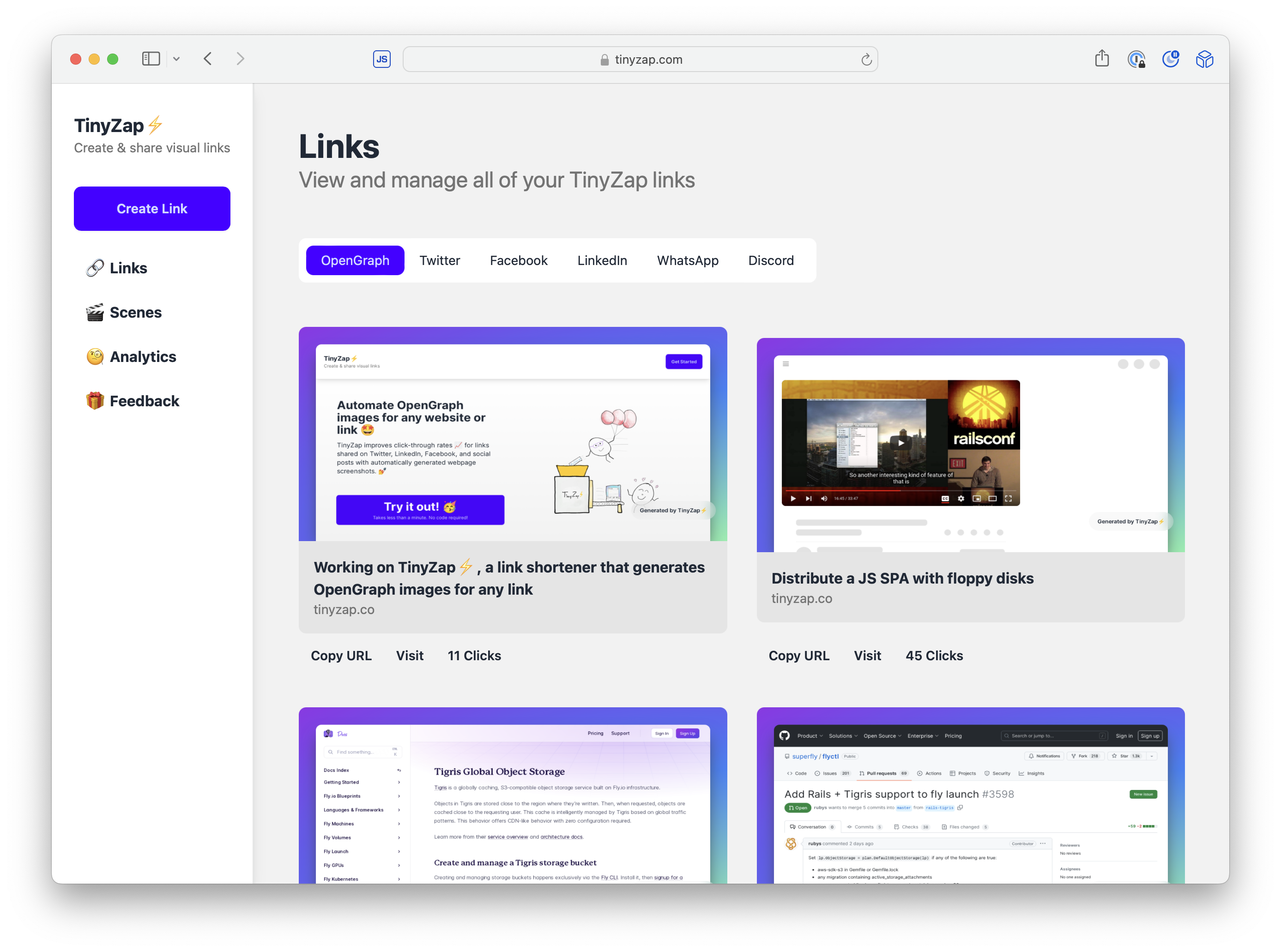
TinyZap
My first 100% Phlex production app. Used for UI and OpenGraph image generation.
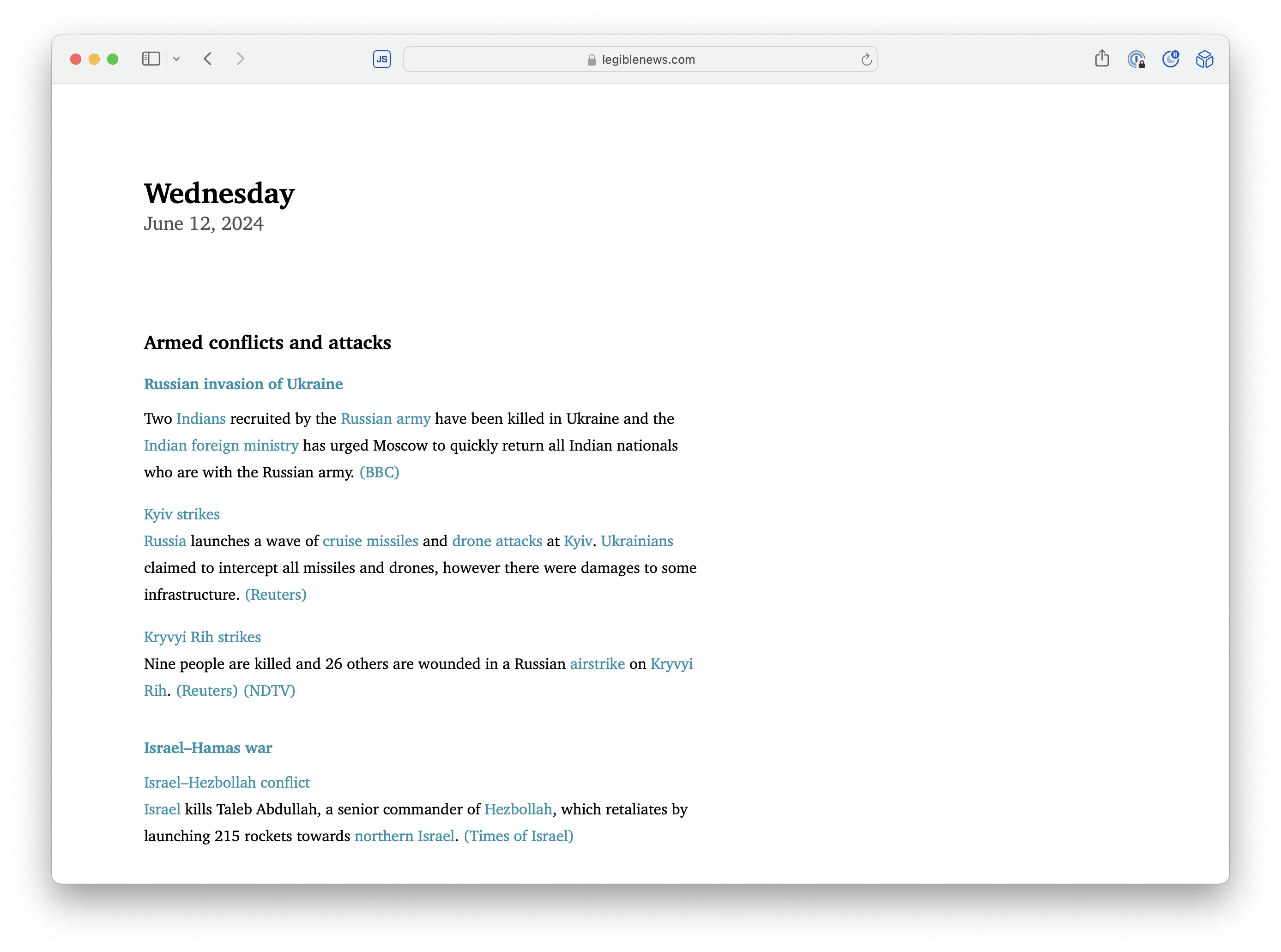
Legible News
Migrating templates from Slim & Erb to Phlex as I enhance the app.

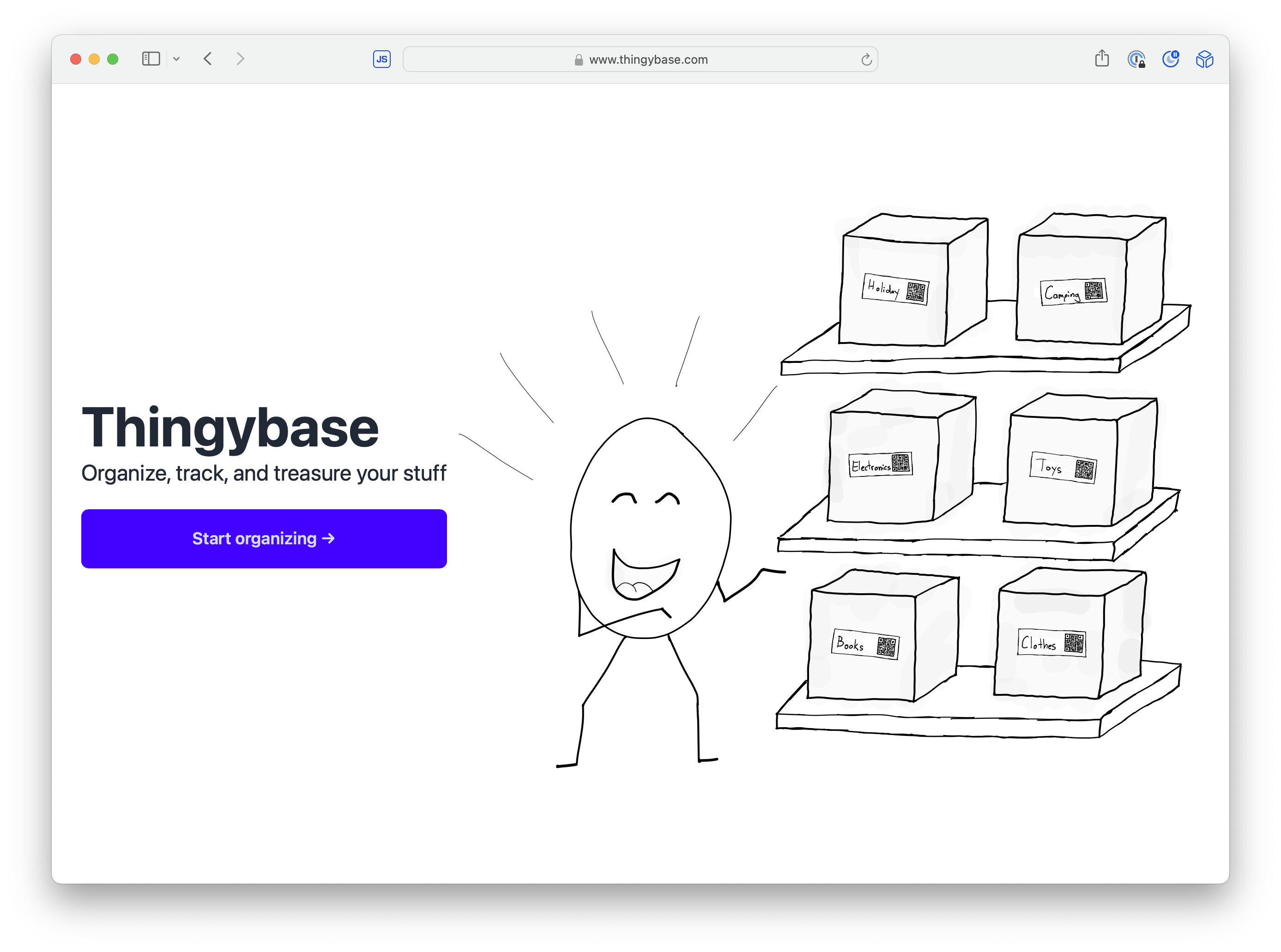
Thingybase
Migrating templates from Slim to Phlex as I enhance the app.
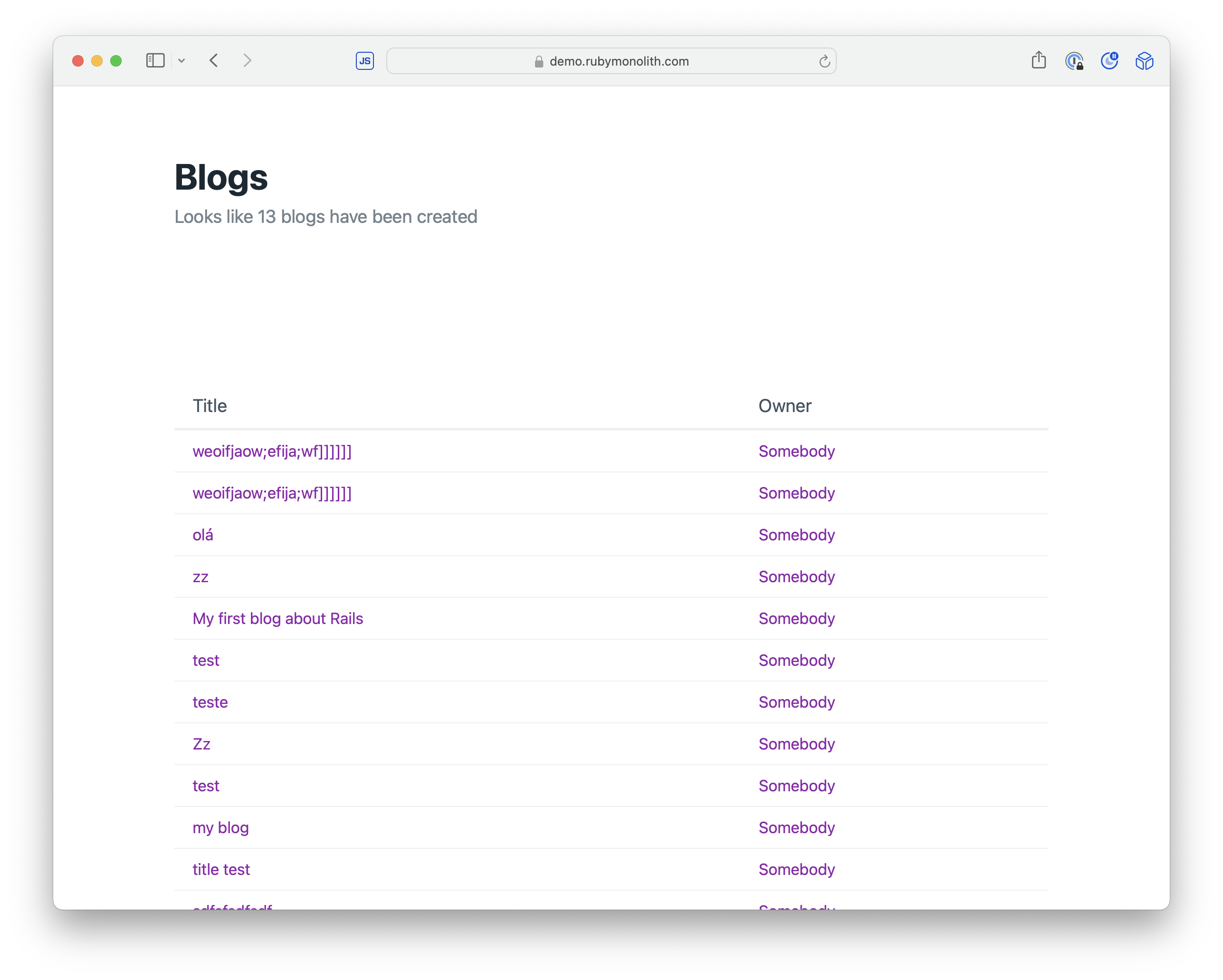
Open Source Rails Apps
Projects you can look at to see how to use Phlex in Rails
This presentation was built with Phlex
Source available at https://github.com/beautifulruby
class PhlexPresentation < Presentation
def self.presentation_title = "Build Phlex Rails Applications"
def slides
[
TitleSlide(
title: title,
subtitle: "Component-driven front-end development",
class: "bg-gradient-to-tr from-violet-600 to-indigo-600 text-white"
),
TitleSlide(
title: "WARNING",
subtitle: "What works for me might not work best for you.",
class: "bg-red-600 text-white"
),
TitleSlide(
title: "WARNING",
subtitle: %{First look at Phlex and the thought is usually, "that's a terrible idea" — It's like Tailwind; you just gotta try it.},
class: "bg-red-700 text-white"
),
TitleSlide(
title: "WARNING",
subtitle: %{After you try it, half of you will love it. The other half of you will probably hate it.},
class: "bg-red-800 text-white"
),
TitleSlide(
title: "WARNING",
subtitle: %{I did a stupid thing and created this presentation software while creating this presentation.},
class: "bg-red-900 text-white"
),
TitleSlide(
title: "Phlex",
class: "bg-blue-700 text-white",
){
Title(class: "font-serif") {
span { @title }
whitespace
span(class: "font-light italic") { "/fleks/" }
}
Subtitle(class: "font-serif") { "Phlex is a Ruby gem for building fast object-oriented HTML and SVG components. Views are described using Ruby constructs: methods, keyword arguments and blocks, which directly correspond to the output." }
Subtitle(class: "font-serif") {
plain "Created by "
a(href: "https://www.namingthings.org", class: "underline"){ "Joel Drapper" }
plain "." }
},
ContentSlide(
title: "This is a Phlex component",
subtitle: "Phlex is a plain 'ol Ruby object that can render HTML. Check out this navigation menu implemented in Phlex."
){
TwoUp {
VStack {
Code(:ruby, title: "Here's Phlex"){
<<~RUBY
class Nav < Phlex::HTML
def view_template
nav(class: "main-nav") {
ul {
li { a(href: "/") { "Home" } }
li { a(href: "/about") { "About" } }
li { a(href: "/contact") { "Contact" } }
}
}
end
end
RUBY
}
}
VStack {
Code(:html, title: "Here's what it renders"){
<<~HTML
<nav class="main-nav">
<ul>
<li><a href="/">Home</a></li>
<li><a href="/about">About</a></li>
<li><a href="/contact">Contact</a></li>
</ul>
</nav>
HTML
}
}
}
},
ContentSlide(
title: "Slots are blocks",
subtitle: "The `item` method accepts a block, which is rendered in the navigation `li > a` tag."
){
TwoUp {
Code(:ruby, title: "Navigation component implementation") {
<<~RUBY
class Nav < Phlex::HTML
def view_template(&content)
nav(class: "main-nav") { ul(&content) }
end
def item(url, &content)
li { a(href: url, &content) }
end
end
RUBY
}
Code(:ruby, title: "Calling the navigation component"){
<<~RUBY
render Nav.new do |it|
it.item("/") { "Home" }
it.item("/about") { "About" }
it.item("/contact") { "Contact" }
end
RUBY
}
}
},
ContentSlide(
title: "Extend components with inheritance",
subtitle: "Useful for shipping component libraries, prototyping new features, or for page layouts."
){
TwoUp {
Code(:ruby, title: "Tailwind component") {
<<~RUBY
class TailwindNav < Nav
def view_template(&content)
nav(class: "flex flex-row gap-4", &content)
end
def item(url, &content)
a(href: url, class: "text-underline", &content)
end
end
RUBY
}
VStack {
Code(:ruby, title: "Calling the navigation component"){
<<~RUBY
render TailwindNav.new do |it|
it.item("/") { "Home" }
it.item("/about") { "About" }
it.item("/contact") { "Contact" }
end
RUBY
}
Code(:html, title: "Rendered output"){
<<~HTML
<nav class="flex flex-row gap-4">
<a href="/" class="text-underline">Home</a>
<a href="/about" class="text-underline">About</a>
<a href="/contact" class="text-underline">Contact</a>
</nav>
HTML
}
}
}
},
ContentSlide(
title: "Set default & require values with method signatures",
subtitle: "Ruby method signatures enforce required data and sets defaults"
){
TwoUp {
Code(:ruby, title: "Set default values in arguments"){
<<~RUBY
class TailwindNav < Phlex::HTML
def initialize(title: "Main Menu")
@title = title
end
def view_template(&content)
h2(class: "font-bold") { @title }
nav(class: "flex flex-row gap-4", &content)
end
def item(url, &content)
a(href: url, class: "text-underline", &content)
end
end
RUBY
}
Code(:ruby, title: "Override default method value"){
<<~RUBY
render TailwindNav.new title: "Site Menu" do |it|
it.item("/") { "Home" }
it.item("/about") { "About" }
it.item("/contact") { "Contact" }
end
RUBY
}
}
},
ContentSlide(
title: "Write beautiful code with Phlex Kits",
subtitle: "Class functions automatically initialize and render Phlex components"
){
Code(:ruby) {
<<~RUBY
class Page < ApplicationComponent
include Phlex::Kit
def view_template
Sidebar {
Header { "My Site" }
p(class: "text-lg font-bold") { "Let's mix components with some HTML tags." }
TailwindNav title: "Site Menu" do |it|
it.item("/") { "Home" }
it.item("/about") { "About" }
it.item("/contact") { "Contact" }
end
}
end
end
RUBY
}
},
ContentSlide(
title: "Phlex is just Ruby!"
){
Markdown {
<<~MARKDOWN
* Use `include` and `extend` to mix behaviors into views.
* Compose views by rendering Phlex views within views.
* Enforce data types with Ruby's type checking.
* Distribute UI libraries via RubyGems.
* More boring and less "stuff" than Erb and ViewComponents.
MARKDOWN
}
},
TitleSlide(
title: "Use Phlex with Rails",
subtitle: "Incrementally go from zero to hero",
class: "bg-gradient-to-tl from-red-600 to-orange-600 text-white"
),
ContentSlide(
title: "Install Phlex Rails integration"
){
Prose { "Install the phlex-rails gem:"}
Code(:sh) {
<<~SH
$ gem install phlex-rails
$ rails g phlex:install
SH
}
Markdown {
<<~MARKDOWN
This changes a few things in your Rails project:
* Adds view paths to `./config/application.rb`.
* Creates view files in `./app/views` and `./app/views/components`.
Reboot server to pick-up these changes!
Make sure you checkout the website, [Phlex.fun](https://phlex.fun) for more examples and docs.
MARKDOWN
}
},
ContentSlide(
title: "Render Phlex components from existing templates",
subtitle: "Phlex components can be rendered from existing Erb, Slim, Haml, or Liquid views."
){
Code(:erb, title: "Erb") {
<<~HTML
<h1>Hello</h1>
<%= render TailwindNav.new title: "Site Menu" do |it| %>
<% it.item("/") { "Home" } %>
<% it.item("/about") { "About" } %>
<% it.item("/contact") { "Contact" } %>
<% end %>
HTML
}
Code(:slim, title: "Slim") {
<<~SLIM
h1 Hello
= render TailwindNav.new title: "Site Menu" do |it|
- it.item("/") { "Home" }
- it.item("/about") { "About" }
- it.item("/contact") { "Contact" }
SLIM
}
},
ContentSlide(
title: "Build pages with Phlex",
subtitle: "Here's what a page might look like in Phlex"
){
Code(:ruby) {
<<~RUBY
# ./app/views/profile.rb
class Views::Profile < PageView
def initialize(user:)
@user = user
end
def view_template
div class: "grid grid-cols-2 gap-8" do
render TailwindNav.new do |it|
it.item("/password") { "Change password" }
it.item("/logout") { "Log out" }
it.item("/settings") { "Settings" }
end
main do
h1 { "Hi #\{@user.name} "}
end
end
end
end
RUBY
}
},
ContentSlide(
title: "Page Layouts are superclasses",
subtitle: "Pages inherit from a superclass that implements an `around_template`, wrapping the contents of `template` in the subclass."
){
Code(:ruby) {
<<~RUBY
# ./app/views/page_view.rb
class PageView < ApplicationComponent
def around_template(&content)
html do
head do
title { @title || "My Site" }
end
body(&content)
end
end
end
RUBY
}
},
ContentSlide(
title: "Render Phlex pages from controllers",
subtitle: "Render an instance of a Phlex view from a controller action."
){
Code(:ruby) {
<<~RUBY
class ProfileController < ApplicationController
before_action { @user = User.find(params.fetch(:id)) }
def show
respond_to do |format|
format.html { render Views::Profile.new(user: @user) }
end
end
end
RUBY
}
},
TitleSlide(
title: "The ambitious possibilities of Phlex",
subtitle: "A few projects that get me excited about the future of Phlex",
class: "bg-gradient-to-tl from-green-500 to-blue-500 text-white"
),
TitleSlide(
title: "Superview",
subtitle: "Build Rails applications, from the ground up, using Phlex components",
class: "bg-gradient-to-tl from-slate-500 to-slate-800 text-white"
),
ContentSlide(
title: "Inline Views",
subtitle: "Start building out views in the controller, kinda like building apps in Sinatra"
){
Code(:ruby) {
<<~RUBY
class BlogsController < ApplicationController
class Index < ApplicationView
attr_writer :blogs
def view_template
h1 { "Blogs" }
ul {
@blogs.each do |blog|
li { a(href: blog_path(blog)) { blog.title } }
end
}
end
end
def index
@blogs = Blog.all
render component(Index)
end
end
RUBY
}
},
ContentSlide(
title: "Extracted Views",
subtitle: "Move views to `./app/views/*` folder to organize or share with other controllers."
){
TwoUp {
Code(:ruby, title: "Controller") {
<<~RUBY
class PostsController < ApplicationController
def index
@posts = Post.all
render component(Posts::Index)
end
end
RUBY
}
Code(:ruby, title: "View") {
<<~RUBY
class Posts::Index < ApplicationView
attr_writer :posts
def view_template
h1 { "Posts" }
ul {
@posts.each do |post|
li { post.title }
end
}
end
end
RUBY
}
}
},
TitleSlide(
title: "Superform",
subtitle: "The best way to build forms in Rails applications",
class: "bg-gradient-to-r from-teal-400 to-yellow-200 text-black"
),
ContentSlide(
title: "This is a simple blog post Superform"
){
Code(:ruby) {
<<~RUBY
class Posts::Form < ApplicationForm
def view_template
render field(:title).input.focus
render field(:body).textarea(rows: 6)
submit "Save"
end
end
RUBY
}
},
ContentSlide(
title: "Here's a complex sign-up Superform"
){
Code(:ruby) {
<<~RUBY
# Everything below is intentionally verbose!
class SignupForm < ApplicationForm
def view_template
render field(:name).input.focus
render field(:email).input(type: :email, placeholder: "We will sell this to third parties", required: true)
render field(:reason) do |f|
div do
f.label { "Why should we care about you?" }
f.textarea(row: 3, col: 80)
end
end
div do
render field(:contact).label { "Would you like us to spam you to death?" }
render field(:contact).select(
[true, "Yes"],
[false, "No"],
"Hell no",
nil
)
end
render button { "Submit" }
end
end
RUBY
}
},
ContentSlide(
title: "Superform can permit its own parameters",
subtitle: "It's been almost two years since the last time a forgotten strong parameter caused a bug"
){
Code(:ruby) {
<<~RUBY
class ProfileController < ApplicationController
class Form < ApplicationForm
render field(:name).input
render field(:email).input(type: :email)
button { "Save" }
end
before_action do
@user = User.find(params.fetch(:id))
@form = Form.new(@user)
end
def update
@form.assign params.require(:user)
@user.save ? redirect_to(@user) : render(@form)
end
end
RUBY
}
},
TitleSlide(
title: "Rails Apps using Phlex Components",
subtitle: "A few projects built and shipped to production with Phlex"
),
ContentSlide(
title: "TinyZap",
subtitle: "My first 100% Phlex production app. Used for UI and OpenGraph image generation."
){
a(href: "https://tinyzap.com/"){
img(src: "https://objects.bradgessler.com/Screenshot-2024-06-13-at-12.41.05.png")
}
},
ContentSlide(
title: "Legible News",
subtitle: "Migrating templates from Slim & Erb to Phlex as I enhance the app."
){
a(href: "https://legiblenews.com/"){
img(src: "https://objects.bradgessler.com/Shared-Image-2024-06-13-12-50-54.png")
}
},
TitleSlide(
title: "Hosted on Fly.io",
class: "bg-violet-950 text-white"
){
a class: "flex flex-col gap-12 justify-center items-center", href: "https://fly.io/" do
img(src: "https://objects.bradgessler.com/logo-portrait-light.svg", class: "h-96")
Subtitle { "All of these apps are deployed and running on Fly.io" }
end
},
ContentSlide(
title: "Thingybase",
subtitle: "Migrating templates from Slim to Phlex as I enhance the app."
){
a(href: "https://www.thingybase.com/"){
img(src: "https://objects.bradgessler.com/Shared-Image-2024-06-13-12-45-56.png")
}
},
TitleSlide(
title: "Open Source Rails Apps",
subtitle: "Projects you can look at to see how to use Phlex in Rails"
),
ContentSlide(title: "Ruby Monolith Blog Demo"){
Markdown { "Source available at https://github.com/rubymonolith/demo" }
a(href: "https://demo.rubymonolith.com/"){
img(src: "https://objects.bradgessler.com/Shared-Image-2024-06-13-13-25-58.png")
}
},
ContentSlide(title: "This presentation was built with Phlex"){
Markdown { "Source available at [https://github.com/beautifulruby](https://github.com/beautifulruby)" }
Code(:ruby,
class: "overflow-scroll",
file: __FILE__
)
},
TitleSlide(
title: "Phlex Dreams",
subtitle: "A few projects in their early stages that I hope come to life"
),
ContentSlide(
title: "UI Toolkits built with Phlex"
){
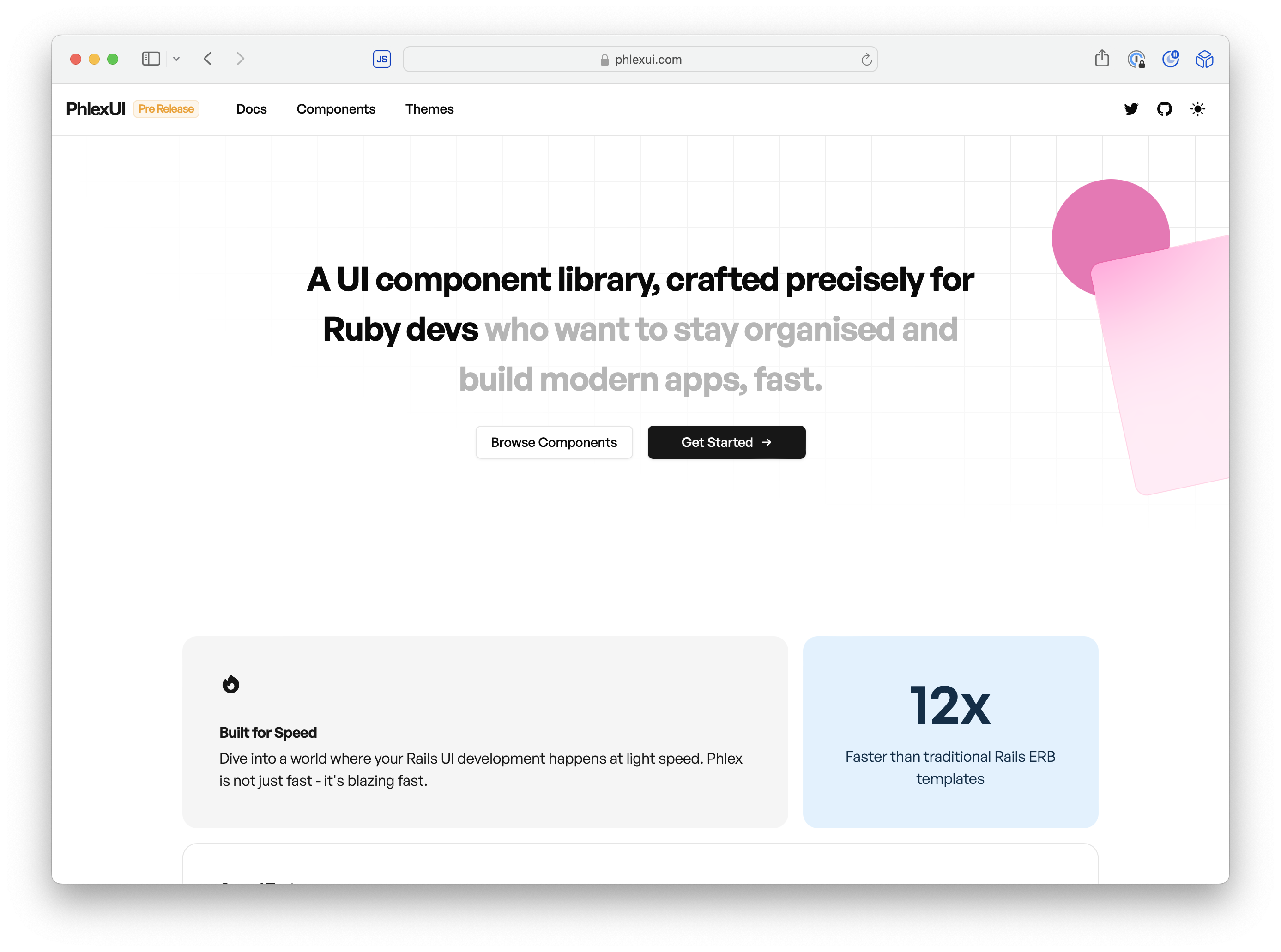
Markdown { "A few already exist like [PhlexUI](https://phlexui.com) and [ZestUI](https://zestui.com)." }
a(href: "https://phlexui.com") {
img(src: "https://objects.bradgessler.com/Shared-Image-2024-06-13-13-18-09.png")
}
},
ContentSlide(
title: "Site Phlex",
subtitle: "Building content pages with Front Matter could look like this:"
){
Code(:ruby){
<<~RUBY
# ./app/content/pages/index.phlex.html
LandingPage(
title: "Get it now"
){
Hero {
Title { @title }
Subtitle { "It's the best thing you'll ever get." }
button(class: "btn btn-primary") { "Sign up" }
}
section {
h2 { "Features" }
Markdown {
<<~MARKDOWN
Here's everything you get:
* A thing that goes "Ping!"
* A bunch of extra batteries
* A thing that goes "Boom!"
MARKDOWN
}
}
}
RUBY
}
},
ContentSlide(
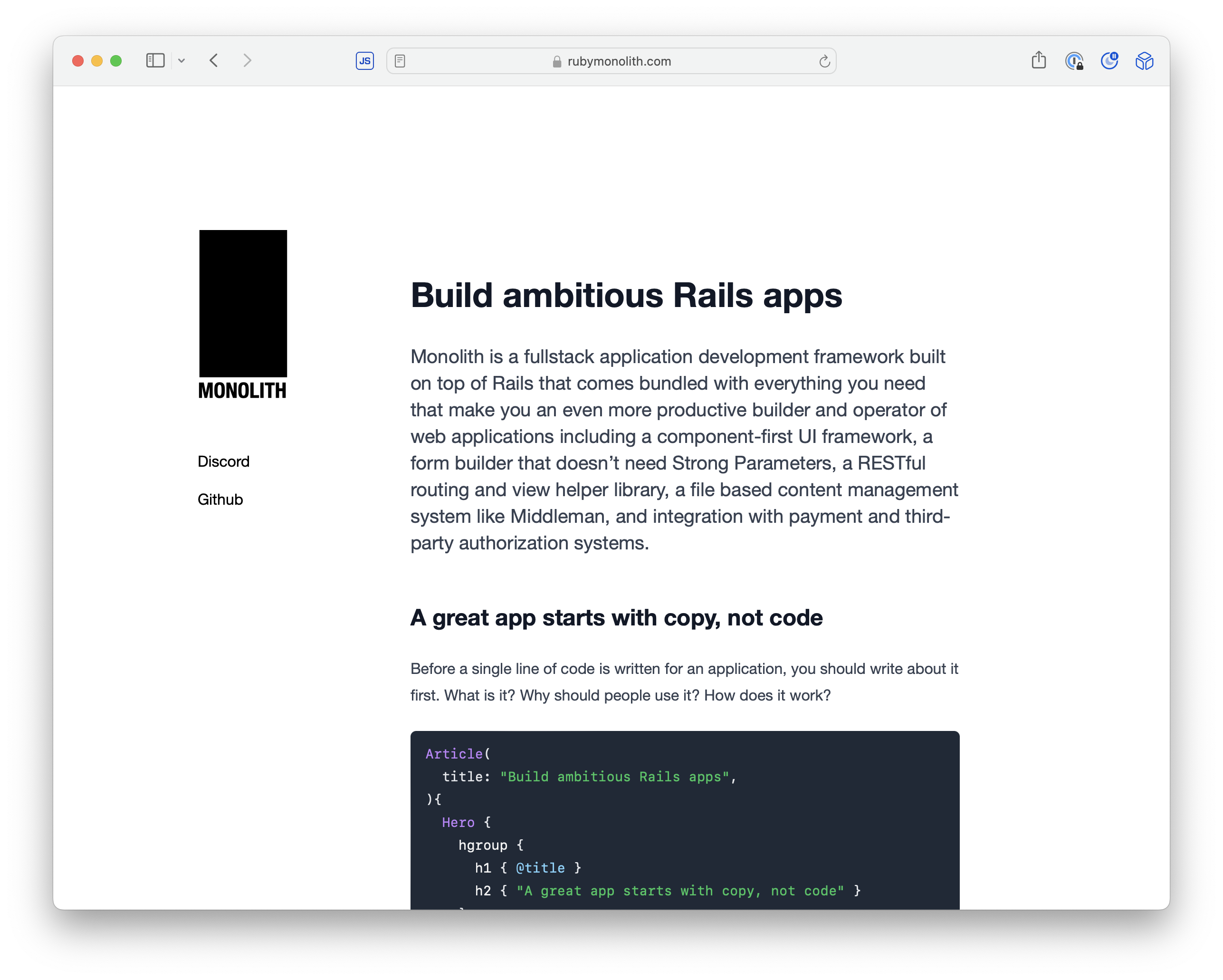
title: "Ruby Monolith"
){
a(href: "https://rubymonolith.com/"){
img(src: "https://objects.bradgessler.com/Shared-Image-2024-06-13-13-30-26.png")
}
},
ContentSlide(
title: "That's a wrap! Any questions?",
){
TwoUp {
Markdown {
<<~MARKDOWN
Thanks for listening! Here are some useful links:
* [Phlex.fun](https://phlex.fun)
* [Ruby Monolith Demo](https://demo.rubymonolith.com)
* [Fly.io](https://fly.io)
* [Beautiful Ruby](https://beautifulruby.com)
Find me on Bluesky [@bradgessler](https://bsky.app/profile/bradgessler.com) or Twitter [@bradgessler](https://twitter.com/bradgessler).
MARKDOWN
}
}
},
]
end
end
Phlex Dreams
A few projects in their early stages that I hope come to life
Site Phlex
Building content pages with Front Matter could look like this:
# ./app/content/pages/index.phlex.html
LandingPage(
  title: "Get it now"
){
  Hero {
    Title { @title }
    Subtitle { "It's the best thing you'll ever get." }
    button(class: "btn btn-primary") { "Sign up" }
  }
  section {
    h2 { "Features" }
    Markdown {
      <<~MARKDOWN
      Here's everything you get:

      * A thing that goes "Ping!"
      * A bunch of extra batteries
      * A thing that goes "Boom!"
      MARKDOWN
    }
  }
}
Ruby Monolith
That's a wrap! Any questions?
Thanks for listening! Here are some useful links:
Find me on Bluesky @bradgessler or Twitter @bradgessler.